AI product-image studio for Amazon sellers

One photo in.
A whole gallery out.

Put your product on a desk and take one phone photo. Shotlab returns the Amazon main image, the studio and lifestyle shots, the macro detail, and the title, bullets and keywords that go with them.

No card. Nothing on this page is stock photography.

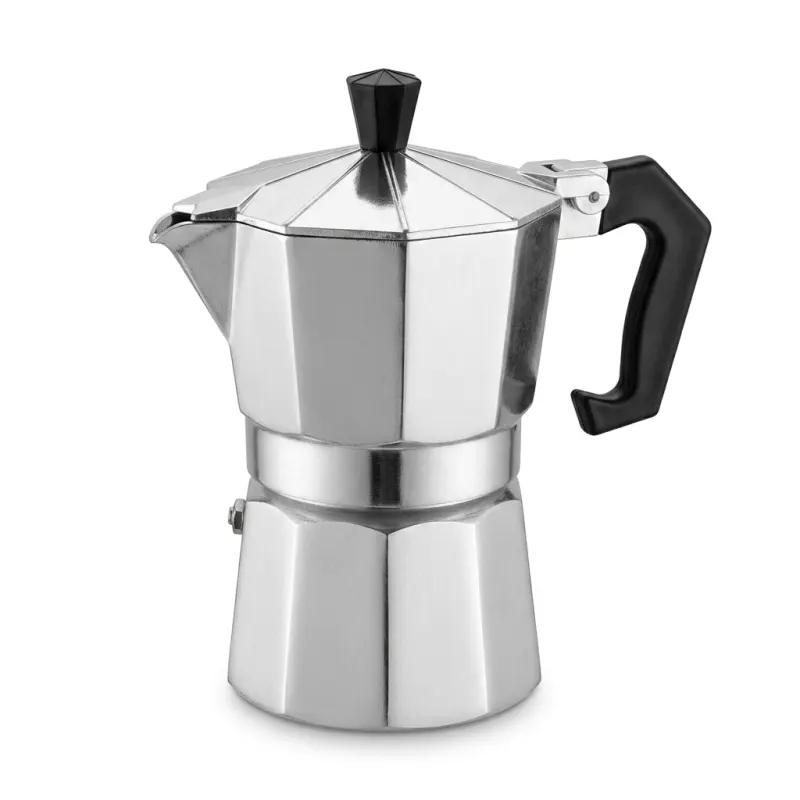
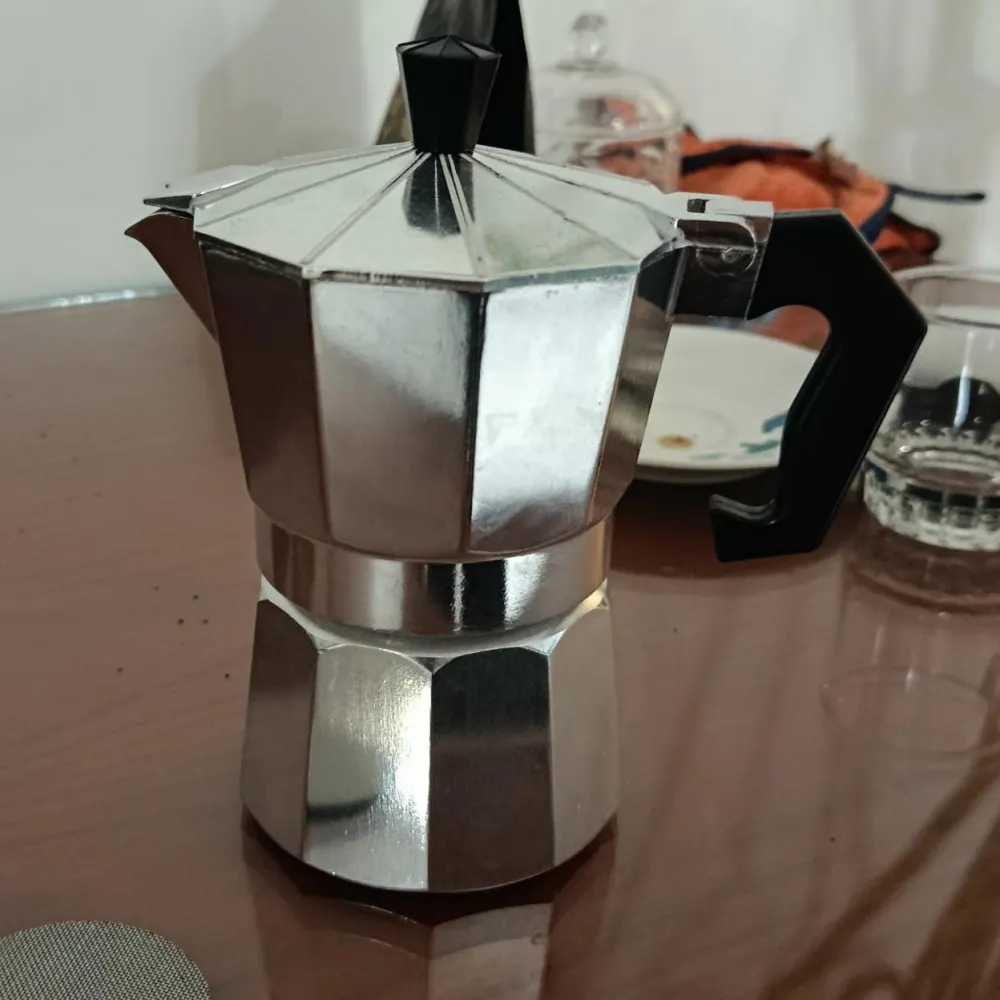
The output: the same moka pot as an Amazon main image, centered on pure white The input: a moka pot on a dining table in dim light with clutter behind it, photographed on a phone Phone photo Amazon main image
Drag the handle. One side is a kitchen table in dim light with the clutter still behind it. The other is what came back: pure white, centered, Amazon-ready.

Nine products.
Every frame below came out of Shotlab.

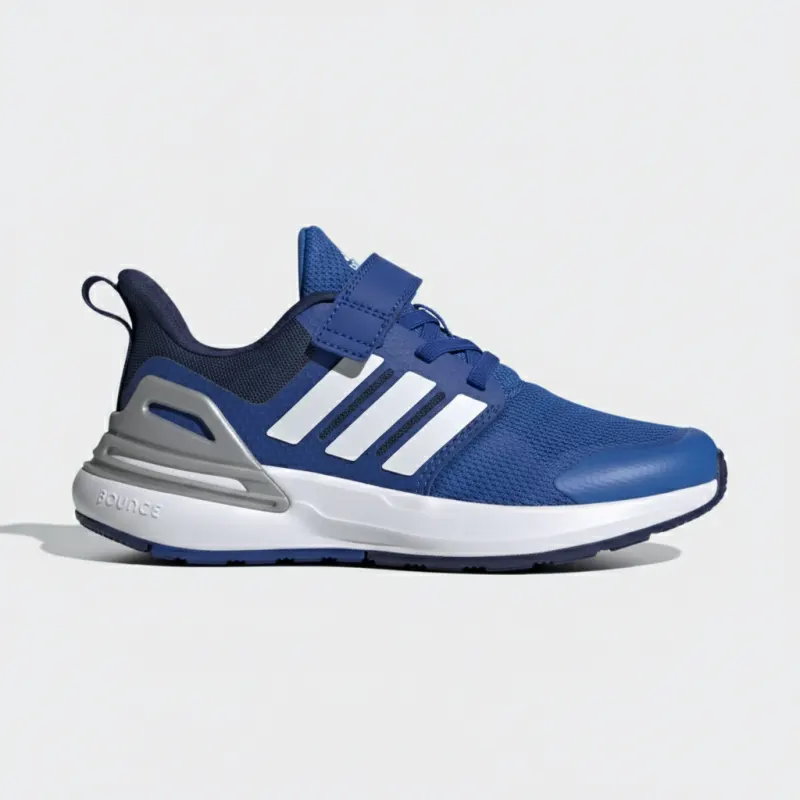
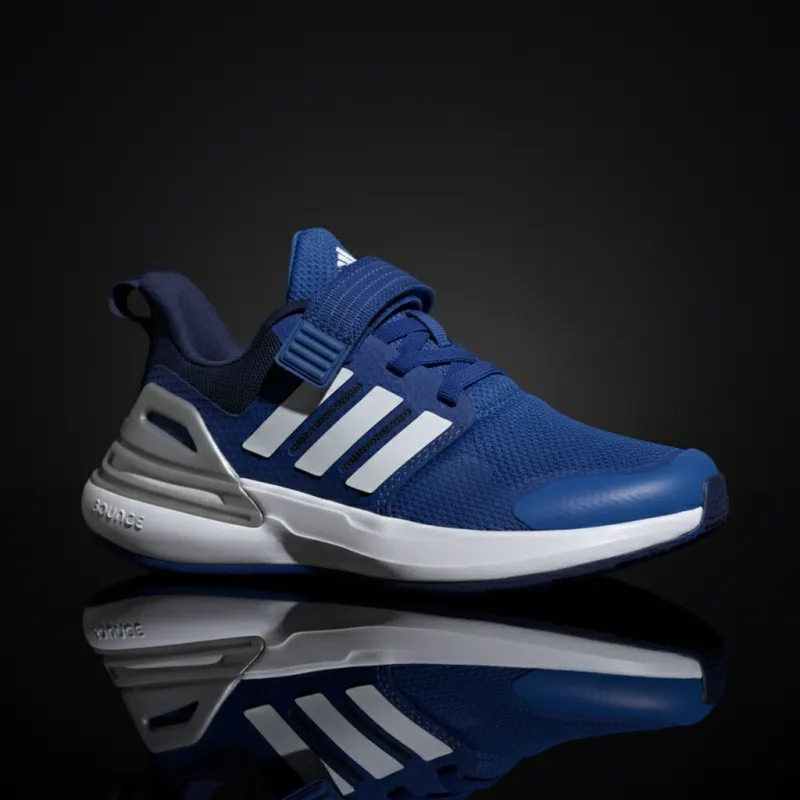
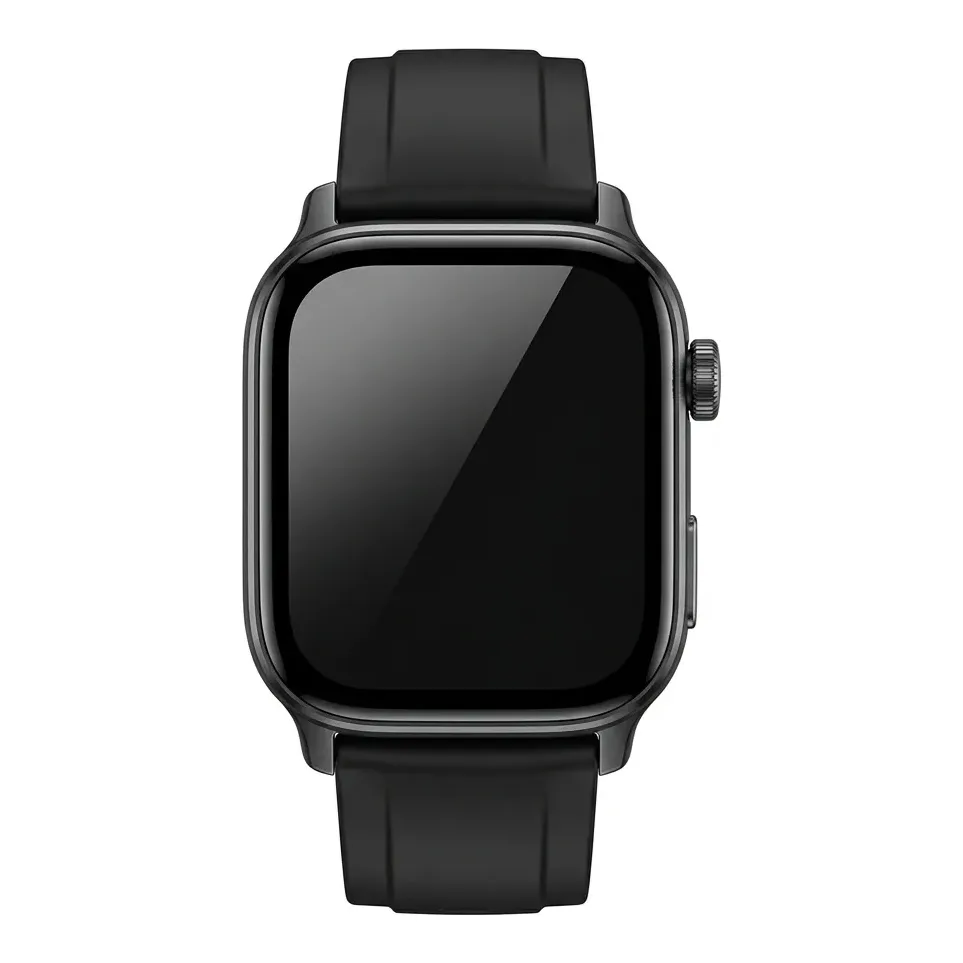
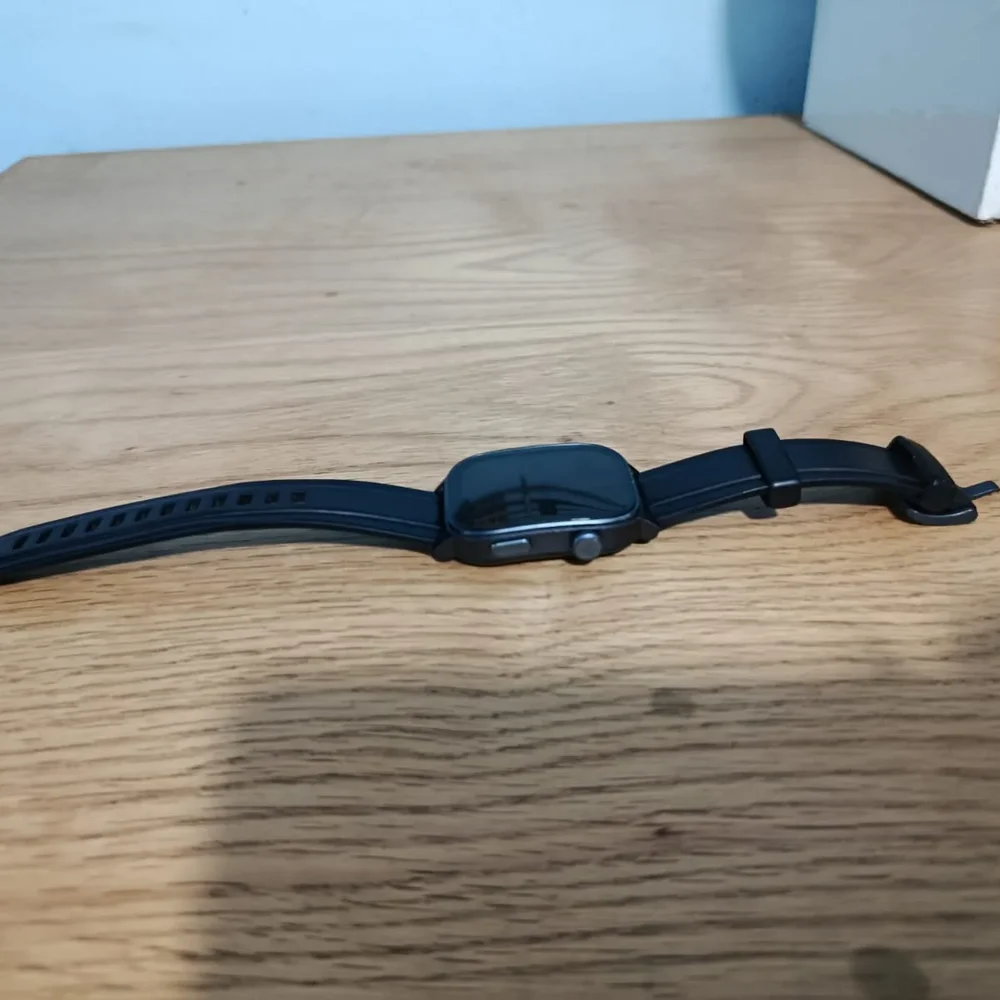
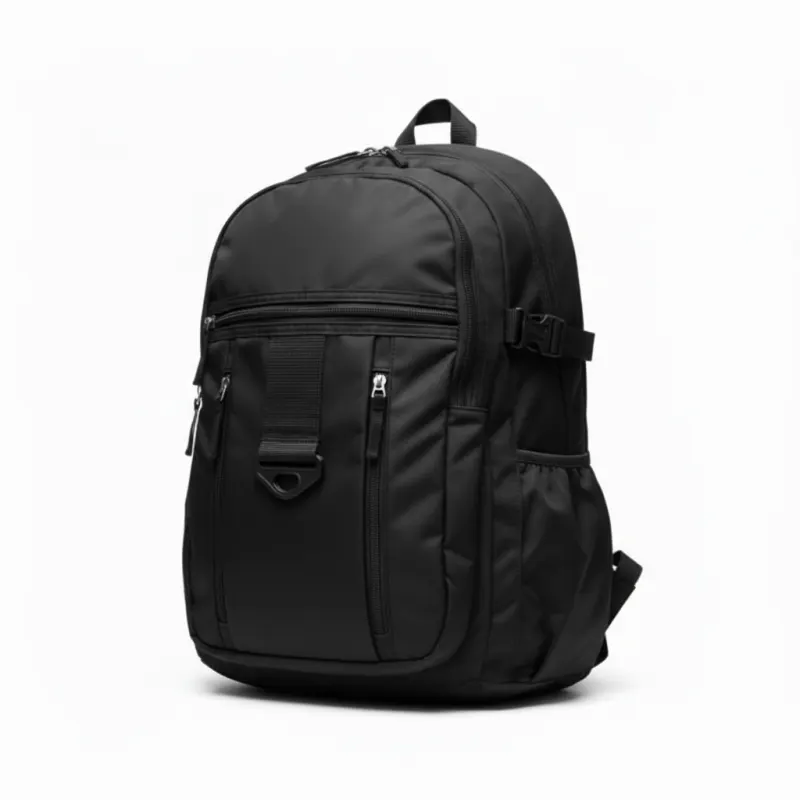
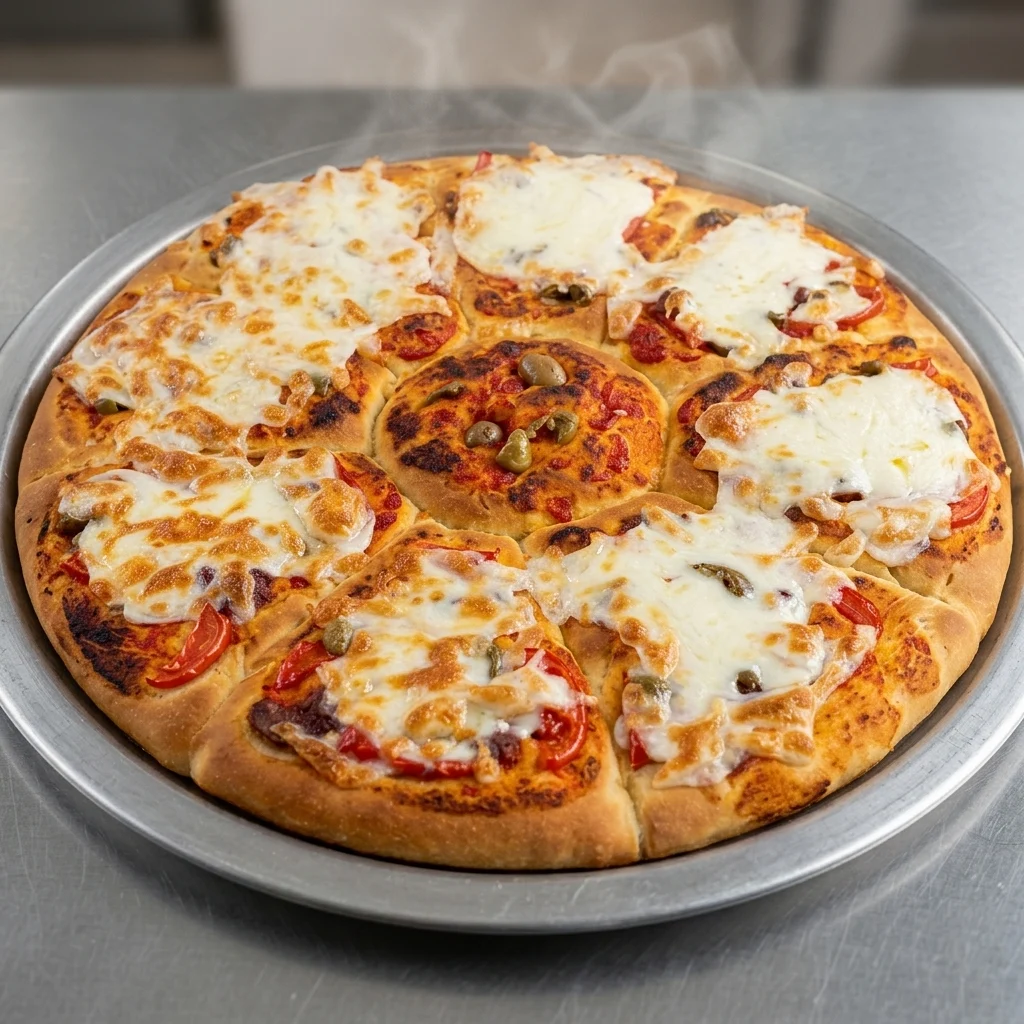
Pick a product. Where the big frame is split Before / After, drag the handle across it to see the phone photo the run started from. The strip beside it is the rest of the gallery that came back from that same single upload. Nothing on this page is stock photography.

Blue running shoe — Main image Blue running shoe — Studio Studio Main image
Main imageBlue running shoe — Main imageNo phone photo for this one — drag to compare two frames from the same run.

Every angle Amazon asks for

Top, back, side and three-quarter, plus a macro on the mesh — the angle set a buyer scrolls through before adding to cart.

Three steps, no design tool

The longest part is deciding which frames you want.

01

Upload one photo

Any phone shot works. Shotlab reads the product first and locks its geometry, colors, materials and hardware before touching a pixel.

02

Pick your frames

Main image, studio, lifestyle, macro, infographic, or a scene you describe yourself. Run one product or a batch of twelve.

03

Audit and download

Every output gets a 0–100 fidelity score against your original, with a written list of anything that drifted. Upscale to 4K and download.

The whole tool, not a teaser

One upload feeds all of it. Nothing below is a roadmap item — it is what the studio does today.

Amazon-compliant main image

Pure white, square, product filling 85–95% of the frame. The fill is measured and re-framed in code after generation, not left to the model to get right.

Ten shot types

Main image, hero, studio lighting, lifestyle, on a model, close-up, macro texture, top view, side view, back view — the full set a buyer scrolls through.

Product fidelity lock

The product is read before anything is generated: geometry, color, material, hardware, logo placement. That reading is locked into every prompt so the model cannot invent a pocket or drop a zip.

Fidelity audit, 0–100

Compare any output against your original and get a score plus a written list of what drifted. You approve on evidence, not on trust.

Brush edit one spot

Paint over a crease, a reflection or a stray shadow, describe the fix, and only that area changes. No regenerating the whole frame.

Scene ideas, or your own

Six scene suggestions written for your specific product, or type the scene yourself. A kitchen, a courtyard, a desk by a window — no location fee.

Batch mode

Queue a whole gallery, or twelve products, and walk away. Progress is live and every frame lands in the same project.

4× upscale to 4K

Run any frame through GPU upscaling for zoom-enabled listings, A+ content and print. Free — it does not spend a credit.

Background removal

Cut the product out in one click, in the browser. Also free, also no credit.

Non-destructive adjustments

Brightness, contrast, saturation, sharpness and noise, with live preview. Nothing is baked until you download, so you can keep changing your mind.

Listing copy and keywords

The same upload returns an Amazon-shaped title, five bullets, the category down to the leaf node, detected colors and materials, and an SEO keyword set.

Compliance check

Audit a finished image against Amazon's image rules before you upload it, instead of finding out from a suppression notice.

Infographics

Size charts, material callouts and feature panels built from the same product reading, in the same session as the photography.

Projects for each client

Agencies get a separate workspace per client: isolated images, isolated credits, isolated spend. Invite your team into the ones they need.

Hard budget caps

Every action carries its real cost. Set a monthly ceiling per project and generation stops at it — you get a refusal, never a surprise invoice.

Arabic and English

The whole studio, both languages, right-to-left included — not a translated marketing page over an English tool.
The images are half the listing

The same upload returns the text as well. Written to Amazon's shape, so it pastes into Noon, Shopify or Etsy without a rewrite.

What comes back with the photos

No competitor on the comparison below returns any of this. It is the part of a listing that sellers hand to a copywriter, and it arrives in the same session as the images.

  • An Amazon-shaped title, in Amazon's length and keyword order
  • Category mapping, down to the leaf node
  • Colours and materials detected from the photo, not guessed
  • Marketing copy written for a listing, not a brochure
  • An SEO keyword set, ready to paste
  • Five bullet points in Amazon's bullet shape
Amazon title

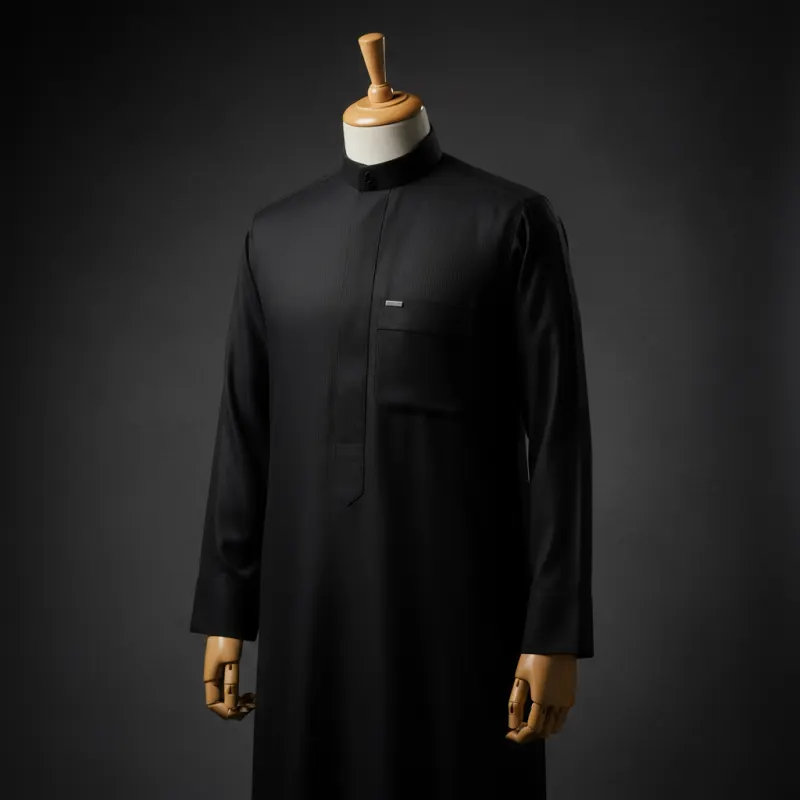
Men's Premium White Thobe — Classic Saudi Style Jubba Kandura

Category

Clothing › Men › Traditional & Cultural Wear

Detected colors & materials
WhiteCottonPolyester
SEO keywords
men's thobewhite jubbasaudi dishdasha kanduraislamic clothing for menramadan outfit eid clothing
Bullet points
  • Elegant high-collar design for a sophisticated, formal appearance
  • Detailed geometric stitching on the chest and shoulders
  • Long sleeves with structured cuffs and cufflink holes
  • Tailored straight-cut silhouette for a comfortable traditional fit
  • Premium lightweight fabric for all-day comfort in any climate

Why not just use a photographer, or Midjourney

A photographer shoots. A general model guesses. A design tool hands you a template. One of these ships a compliant listing.

Shotlab Photographer General AI Canva
Amazon main image rules ✓Enforced in code ~Depends who you hire ✗No ✗Manual
Product stays identical ✓Fidelity lock + audit score ✓It's the real thing ✗Hallucination risk ✗Template only
Listing title, bullets, keywords ✓Same session ✗Images only ✗Images only ✗Images only
Time to a full gallery ✓Minutes ✗1–3 weeks ~Hours of prompting ~Hours of layout
Cost per product ✓Free, then cents ✗$300–$2,000+ ~Cheap, no workflow ~Subscription
Fix one spot without redoing it ✓Brush tool ~Retouching fee ✗Limited ✗No
Many clients in one workspace ✓Built in ✗No ✗No ~Basic teams

Less than one shoot, every month

Background removal, upscaling, prompt suggestions and the product audit are free on every plan, including the free one. Paid plans buy generations and projects.

Free
$0
forever, no card

10 image generations

  • 1 project
  • Every tool unlocked
Start free
Starter
$18
per month · $14.40 billed yearly

150 generations a month

  • 3 projects
  • Priority queue
Start free
Most popular Pro
$38
per month · $30.40 billed yearly

500 generations a month

  • Unlimited projects
  • Priority queue
  • Batch processing
  • Commercial license
Start free
Enterprise
500+
custom pricing

Unlimited volume

  • Dedicated account manager
  • Workflow integration
  • Bulk delivery & exports
  • SLA & white-label
Contact sales

One product shoot costs $300 to $2,000. Every image on this page cost cents and arrived in minutes.

Questions sellers actually ask

If yours is not here, message us on WhatsApp and you will get a real answer.

Will the product still look like my product?

Every generation runs under a fidelity lock that holds the geometry, colors, materials and hardware from your source photo. The scene around the product changes; the product does not. After each run you can score the result 0–100 against your original and get a written list of anything that drifted.

Are the main images actually Amazon-compliant?

Yes, and not by asking the model nicely. The main image comes back square on pure white RGB(255,255,255), then the product fill is re-framed in code to 90% of the frame, so it clears Amazon's 85% minimum every time rather than whenever the model happens to cooperate.

What do you need from me?

One photo. A phone shot on a desk is enough, and every example on this page started from exactly that. Better light gives a better result, but it is not a requirement.

Do I get the listing text too?

Yes. The same session returns an Amazon-shaped title, category mapping, detected colors and materials, marketing copy, an SEO keyword set and five bullet points. It pastes into Noon, Shopify or Etsy without a rewrite.

What happens when I run out of generations?

Generation stops and nothing is charged silently. Background removal, upscaling, prompt suggestions and the product audit stay free and keep working on every plan.

Photograph one product tonight

Ten generations free. No card, no trial countdown.